
1080 × 1920 · 1 pageEditable example
Event invitation · Know your stop tap
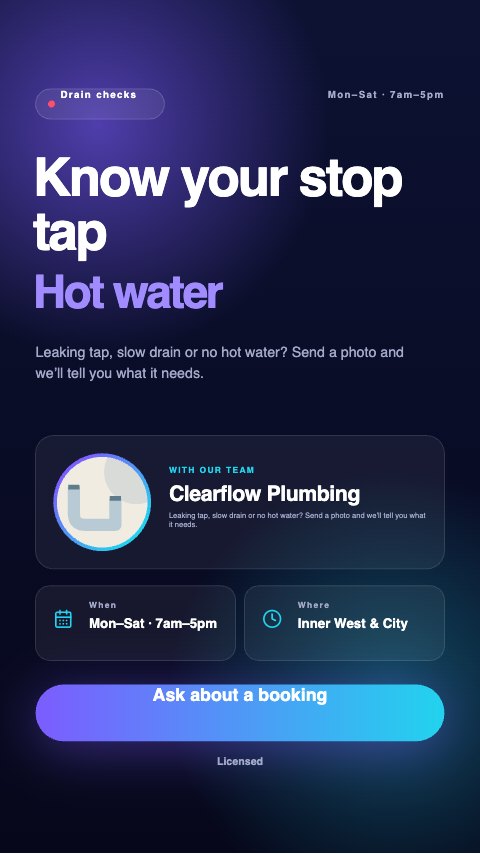
Illustrated sample. Replace business details, photographs and any price/date placeholders in the editor.

A plumbing post should help a customer describe the problem and understand the next step. These layouts focus on maintenance questions, booking information and clear descriptions of the work you offer.
Use your own job photographs with permission. Add licence details where required and include only the service areas and availability you can actually provide; the examples make no emergency response or price promises.
Keep the main point readable on a phone. Review the platform’s interface overlays and add the current link or booking action when posting.
Illustrated sample. Replace business details, photographs and any price/date placeholders in the editor.
Illustrated sample. Replace business details, photographs and any price/date placeholders in the editor.
Illustrated sample. Replace business details, photographs and any price/date placeholders in the editor.
Illustrated sample. Replace business details, photographs and any price/date placeholders in the editor.
All designs are editable examples with sample illustrations. Replace placeholders and verify business details. Opening a template creates a browser draft; download important work before clearing browser data.
Explore the template tool