
1080 × 1920 · 1 pageEditable example
Event invitation · Step inside the details
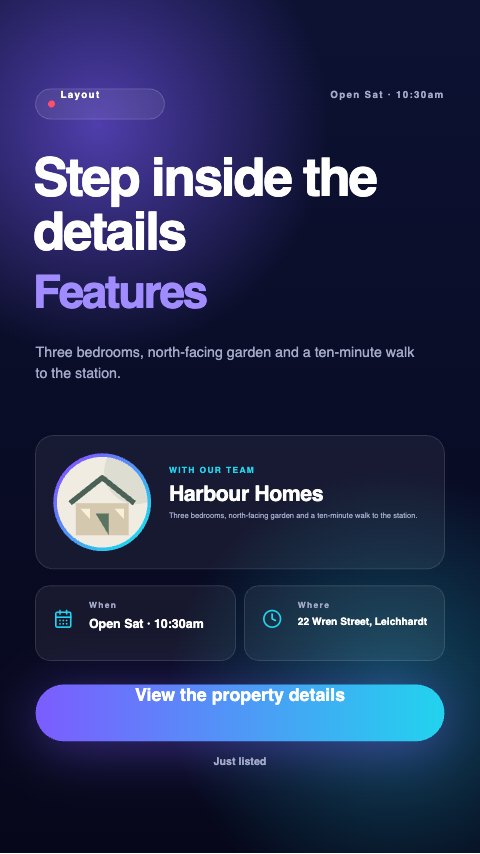
Illustrated sample. Replace business details, photographs and any price/date placeholders in the editor.

A property graphic needs a clear address, accurate particulars and a route to the listing. These examples leave those details editable so the design supports the property rather than replacing the information buyers need.
Use a story for an inspection reminder, a post to introduce a listing and a carousel to walk through features. Replace the illustrated house with authorised listing photography and review current property and advertising requirements.
Keep the main point readable on a phone. Review the platform’s interface overlays and add the current link or booking action when posting.
Illustrated sample. Replace business details, photographs and any price/date placeholders in the editor.
Illustrated sample. Replace business details, photographs and any price/date placeholders in the editor.

Illustrated sample. Replace business details, photographs and any price/date placeholders in the editor.
Illustrated sample. Replace business details, photographs and any price/date placeholders in the editor.
All designs are editable examples with sample illustrations. Replace placeholders and verify business details. Opening a template creates a browser draft; download important work before clearing browser data.
Explore the template tool